
Miscellaneous
Note: I used gifs in this post to make visualizing changes easier (no need to open youtube if you read the atom feed); sometimes it's choppy but it should get better as you give it time to load.
Random sequence of work this week, let me walk you through it in order:
Physics Performance
Previously, I thought that the performance issue was due to a bad BSP tree (see last week's post for more details) leading to too many triangles being tested, since order of test is as follows:
- Test Collider's AABB
- Traverse BSP tree
- Test rough triangle
- Test precise triangle
- Compute penetration
But it turns out that the precise triangle test is actually not that costly... with a fix! While I had started converting the car's rotation quaternion into a 3x3 matrix, I had not yet fully propagated it to relevant functions. The precise triangle test was still accepting a quaternion and was performing 3 quaternion-vector multiplications which is much more costly (especially when it's done thousands of times per frame).
This fixed, performance is now below 2ms on average, with some parts of the road sometimes bumping to 6ms at most. Great!
Releasing A Public Video
For no specific reason, other than maybe finally sharing my progress as I am about to go back to work, I decided on Monday that I would be recording a gameplay video to be shared publicly on Youtube. A few steps to get there:
Remove borrowed assets
I still had a few assets borrowed from other games, and I'm of course taking no risk in including them in this video. Mainly, I redid the bumpy road texture:
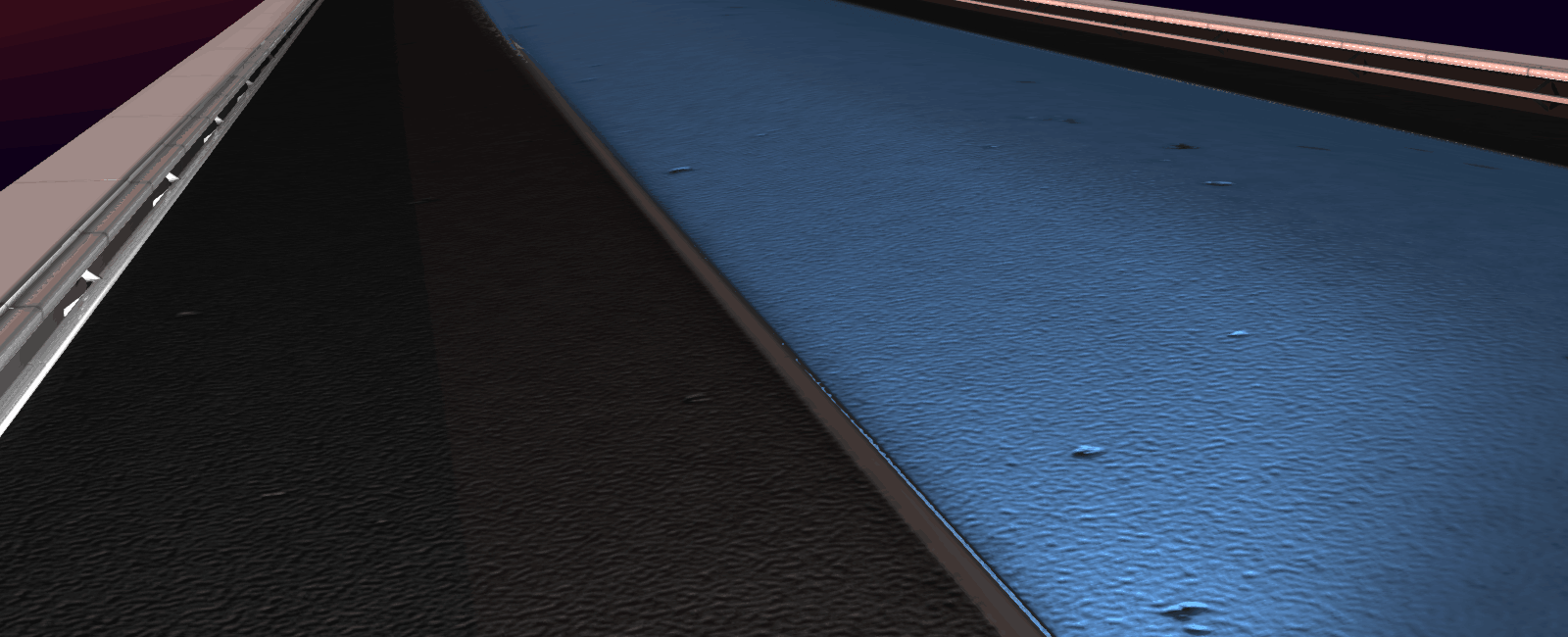
It's really not my best texture but it will do for now.
Anti Aliasing
A while back I had deactivated anti-aliasing, probably as I redid my rendering pipeline. It would of course look pretty bad to most people, so I reactivated FXAA:
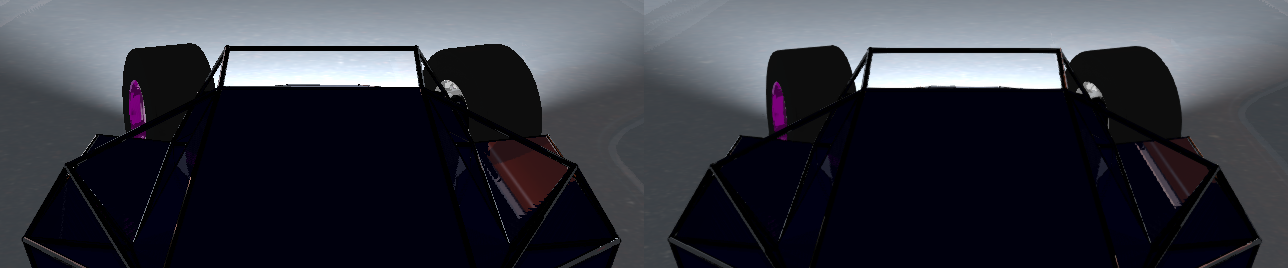
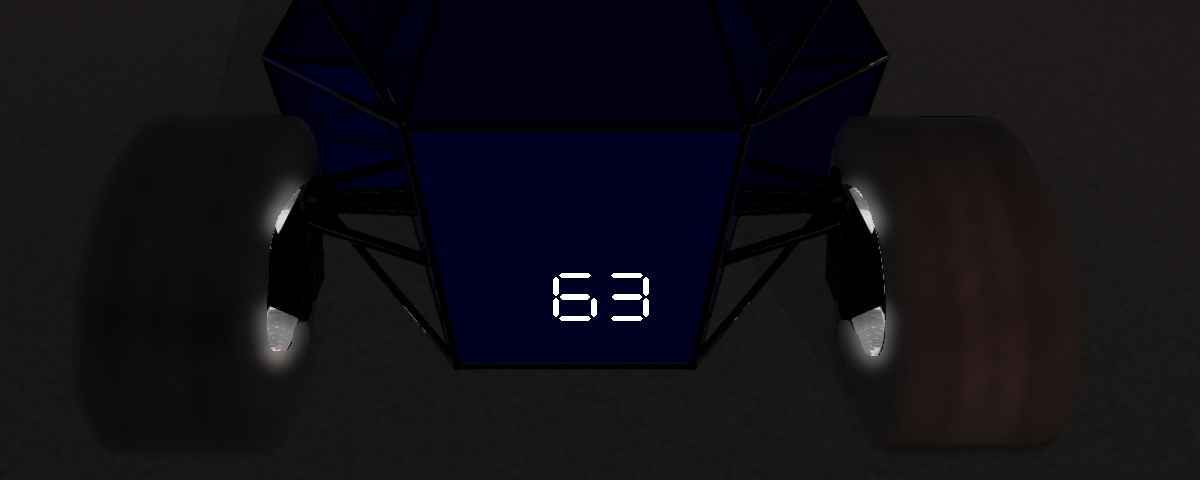
While I was playing with shaders, I also hacked a speedometer into the game using a post-process shader that implements a multi-digit 7-segment display for a single number.
The Plot
Now onto recording. I wanted it to be a single shot of me driving on the procedural road as fast as I could "without mistake", and I thought it would be pretty straightforward. Oh boy was I wrong! it took me an evening... a night... and the following afternoon. I kept sliding out during ice sections or losing control on bumpy road. Anyway, after more than 135 attempts, every time rewinding the music, restarting the recording, and resetting the game's state, here is what I got:
Hold off sharing it: I have since made a lot of improvements and will probably post something much more worthy of a share next post.
Hoverboard
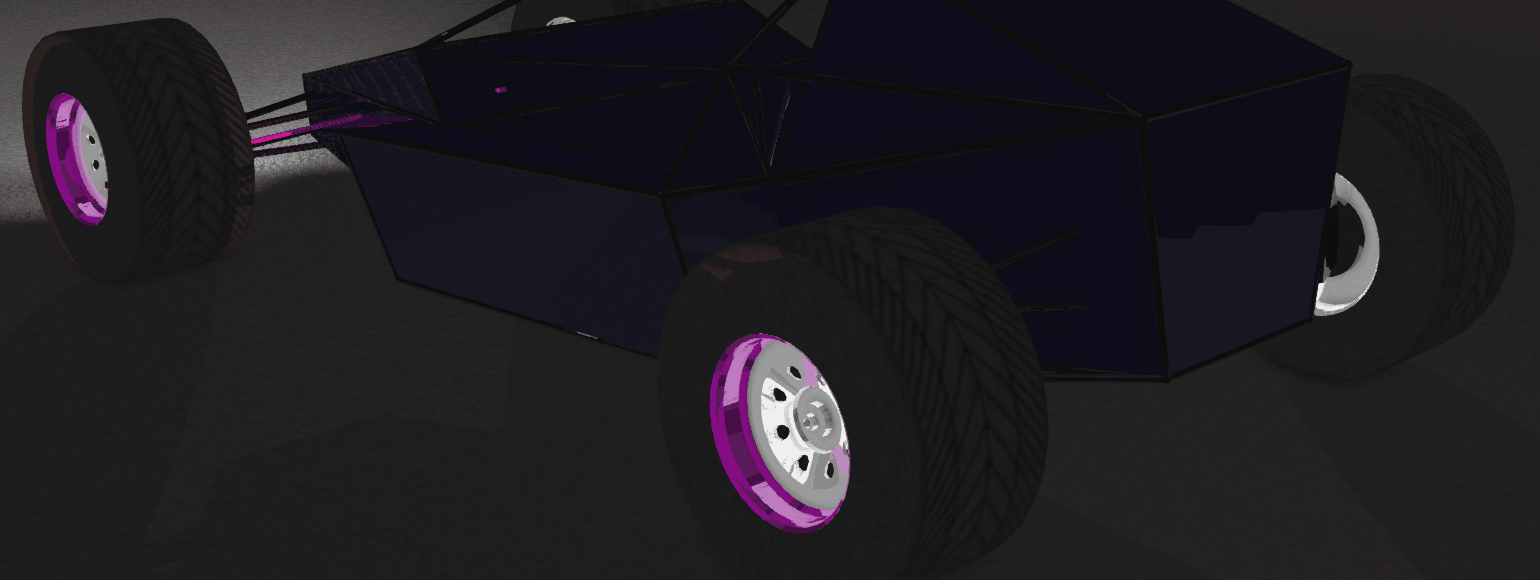
Upon sharing the video with a couple friends, one rightfully reminded me that the lack of texture on the car tires made it look like it was hovering or sliding on the road. There are multiple other details that could help ground the illusion (dust particles, drifting sound when the car has actually lost grip, stronger ambient occlusion) but a proper texture is probably the most important:
Car Control
Ok, now onto bigger work: the main reason it took me 135+ attempts to record the video is that I kept sliding out of the ice sections or losing control on bumpy road. I had spent a decent amount of time working on my car controls over various materials but I was mostly testing on a big flat plane on which recovering from a loss of control is much more forgiving.
Ramp Jump
To better test and improve my car controls, I created a new gym with ramps, half pipes, and other platforms to jump onto. Upon testing, it appeared the car was tilting forward far too easily as it exits a ramp, making it hard to control after landing:
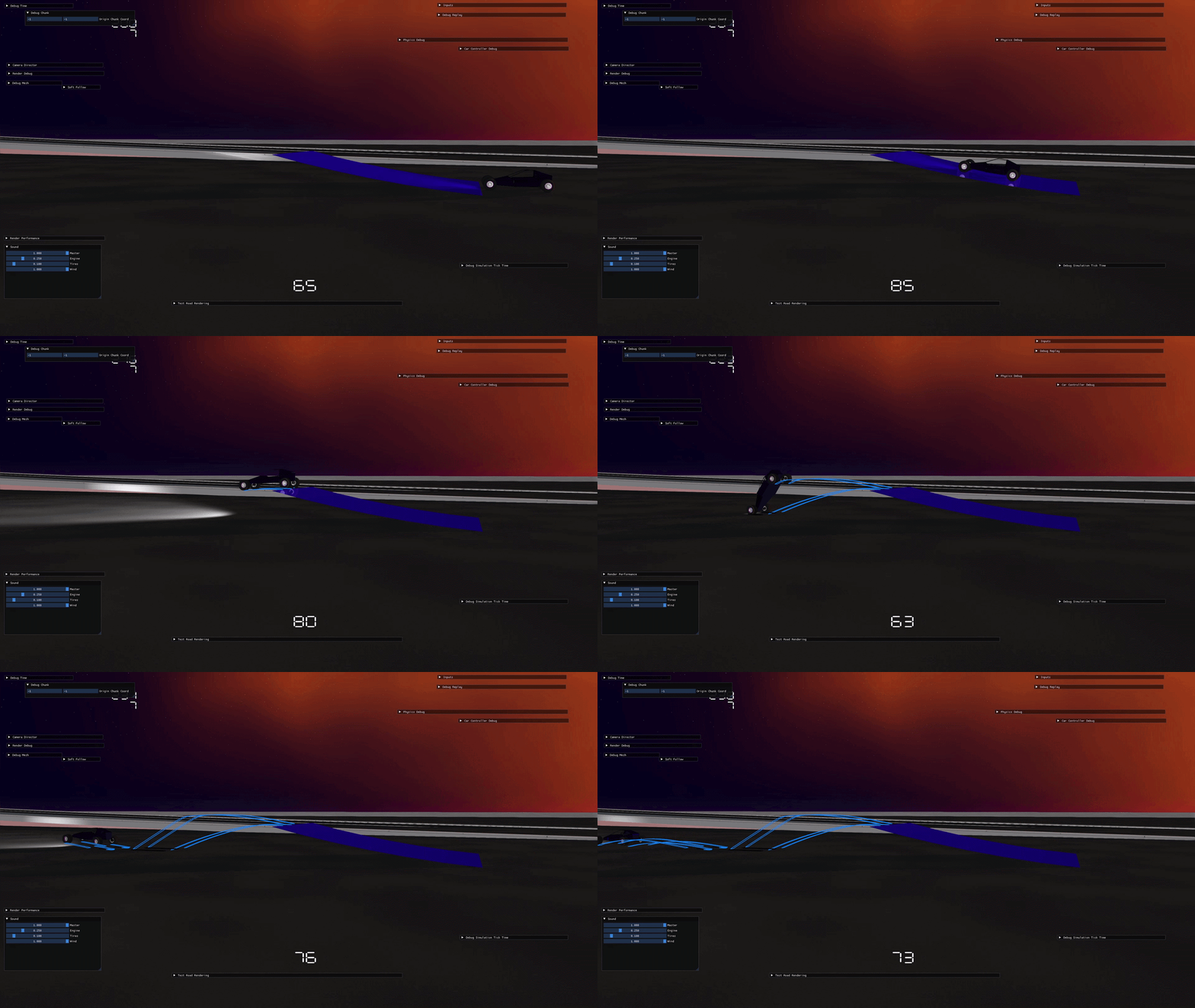
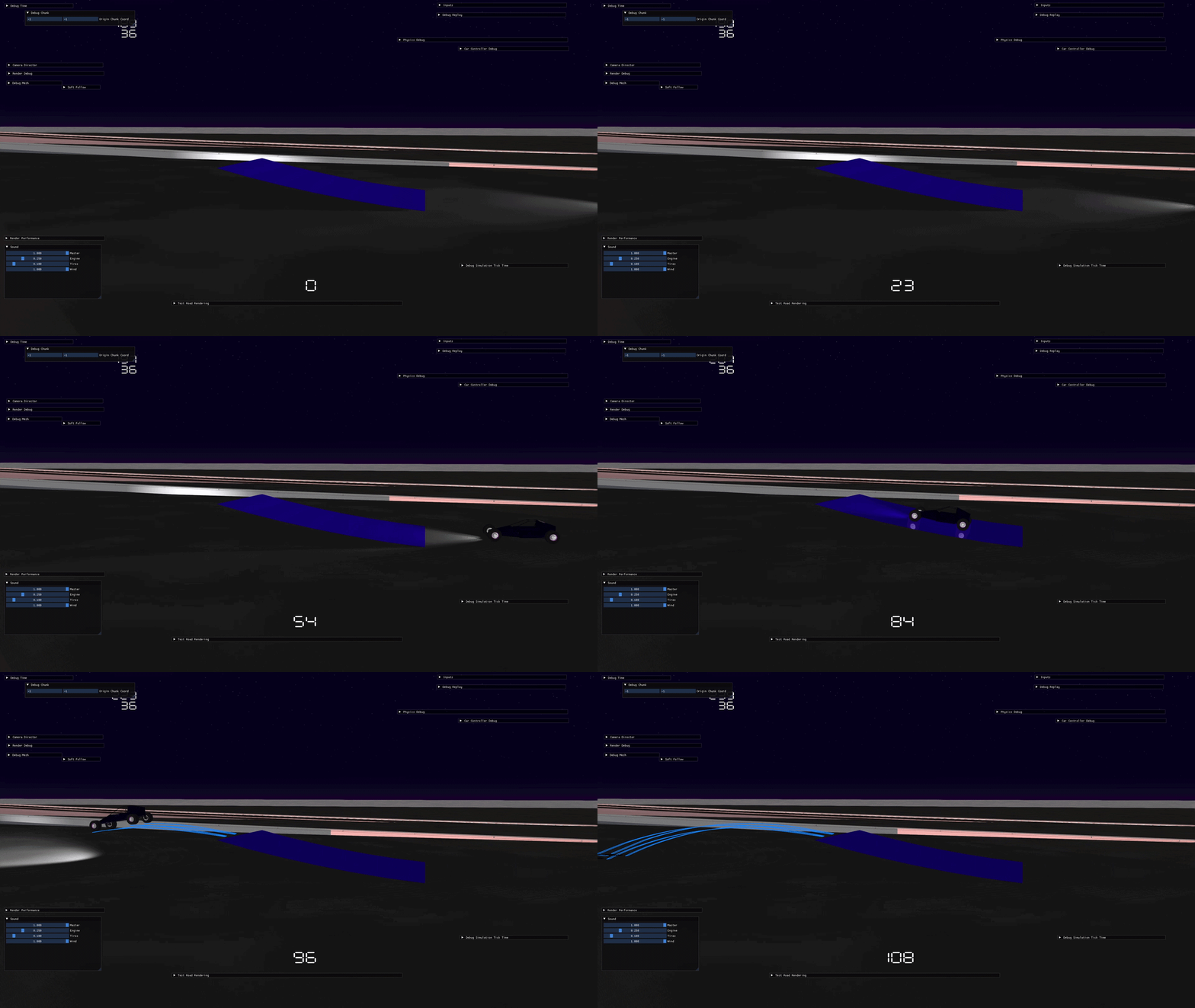
The reason is that the car's inertia (in particular its pitch component) was too low, albeit realistic. I went for a much higher value that fits the more arcade feel:
Landing Bug
A second issue I noticed occurred as the car landed: if it would land on a specific front wheel it would erratically bounce back, often in the direction opposite to the one desired:
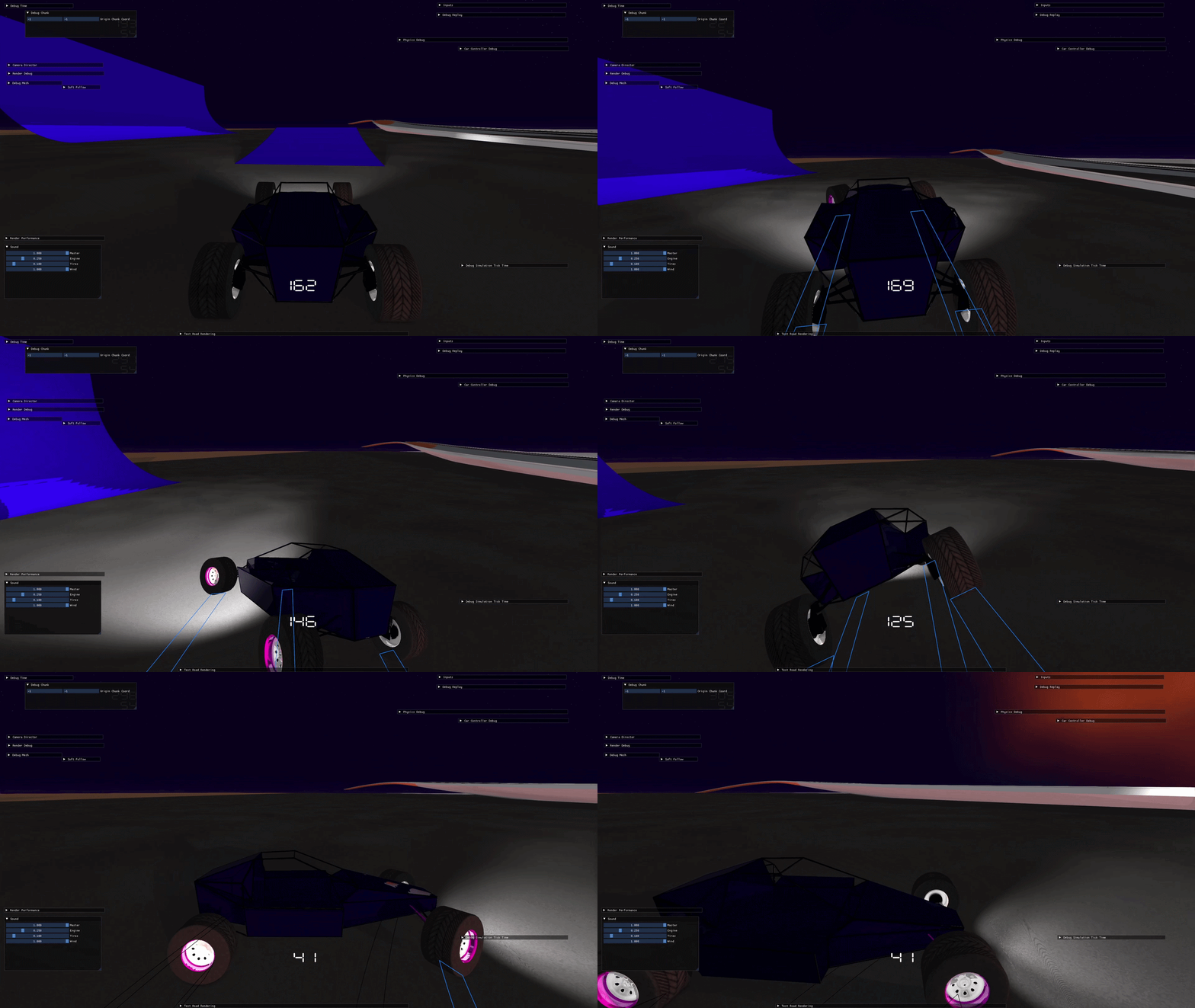
The issue is that, in this situation, the wheel's suspension bottoms out. The physics then resolves it as a collision with the ground (I'm simplifying) which violently rotates the car on its opposite wheel (in the gif it's the back-left one) whose own suspension abruptly pushes the car again. I went the lazy way, reducing ground friction to the minimum (it's not the same friction used for car control), although I will eventually remove the friction part of the restitution force when the suspension bottoms out (since tire-ground friction is already handled by the car controller anyway).
Grip
The Issues
So far, the car control was done by applying a friction force on each wheel (based on ground material, wheel orientation, velocity of point of contact, etc.). In addition, each wheel had a grip factor that determined if wheel was sliding or not, and the friction force used was different in both cases (static friction and kinetic friction). This allows the car to be in either of two modes, drifting or not, but there are issues with this system.
First, each wheel computing its own friction force makes the car difficult to control when transitioning across road surface. Although it is what happens in real life, it is not adapted to the game I make since, unlike real life, I will have a limited amount of road surface (so it's readable) so no possibility of a smooth transition between road materials.
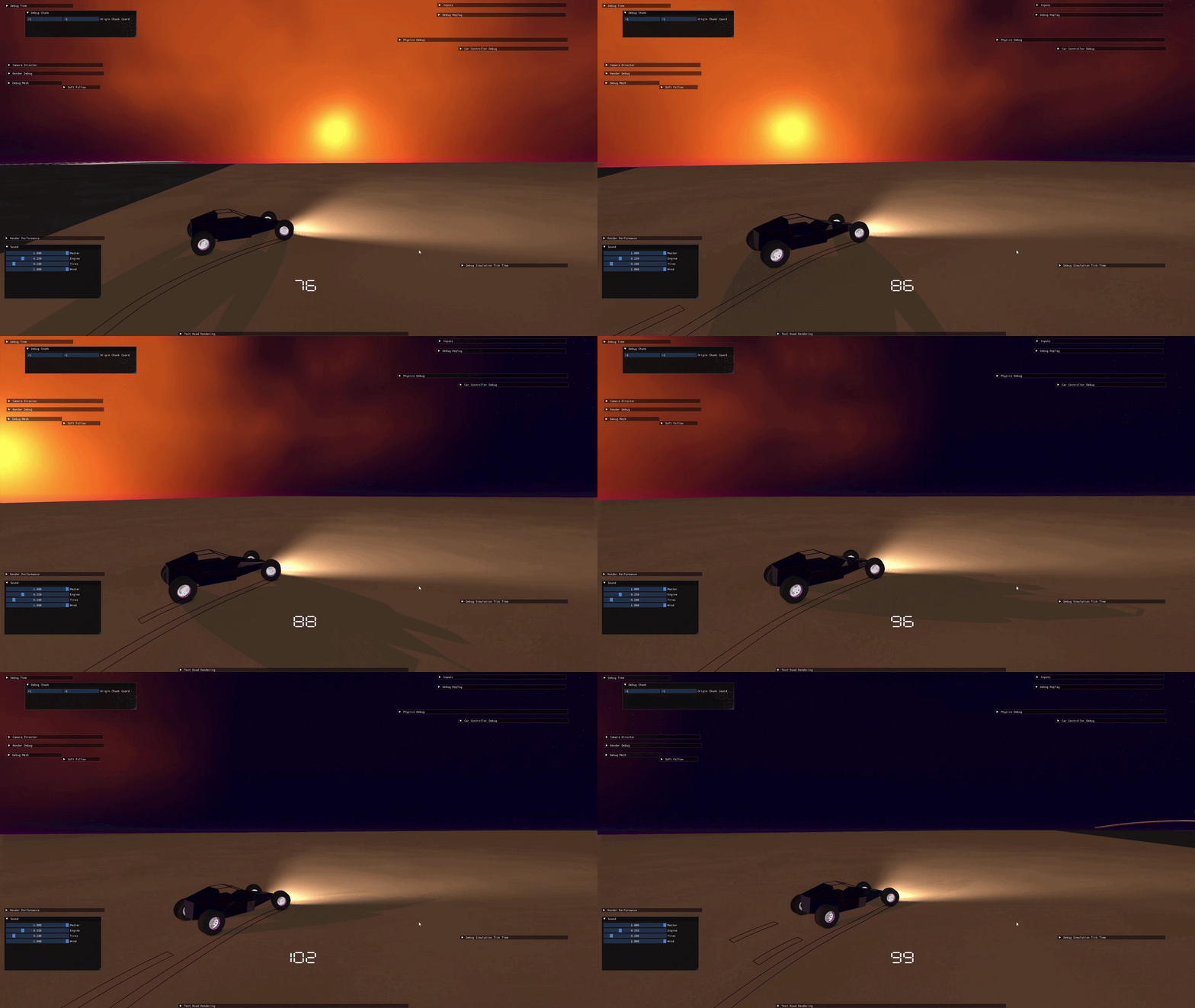
Second, the tuning of both friction forces proves difficult and tires would sometimes alternate between drifting and not drifting even with no steering inputs. In this (very bad, maybe this is where using gifs ends) recording below you can see the back of the car "bouncing" left and right because of it:
The Solution
I decided to go with a simpler design using a single type of friction (viscous) with different coefficients depending on whether the wheel is sliding or not.
First, this allows averaging the desired friction coefficient of each wheel (based on drifting state, ground material, etc.) and using the same one across the entire car, providing an easier control even if only one wheel is drifting or sitting above an especially slippery surface. Bonus: it also naturally lets the player control the car's direction even if a few wheels are off the ground.
Second, by using viscous friction, it is both simpler to tune and forgiving, as viscous friction —being proportional to velocity at point of contact— naturally smooths edge cases. The negative aspect is that this is not realistic, and the car would slightly drift sideways if placed on a banked road; I'll cope with it!
Together this works much better but I will still have some tuning to do. The demo video comes below.
Car Sounds
Ok, I must have re-watched the video a few times already, and although I enjoy that synthwave it is clearly lacking sound. Time to fix this. I went with the miniaudio library (a very minimalist library that can play sounds, loops, change pitch and volume, etc. I haven't explored yet all its capabilities) and hacked sounds into the game by triggering them through some debug system. I'll of course do it properly later once I have a better idea of what I'm doing.
Regarding the sounds, I made them electronically using Vital (software to make electronic music). Here they are in more detail:
Engine
This one is interesting: the "main part" of the sound a car engine makes is proportional to its RPM and the number of separate ignition cycles. This means a simple car sound could be made by recording it at a given frequency matching a specific RPM and then the code could scale its pitch according to the player car's current RPM.
Of course this is not enough as some sounds are more audible at low RPM but disappear at higher RPM because of the engine's geometry (e.g. the "pop pop" some engines make when idle), or the lower harmonic may be increasingly important at higher RPM to match the natural resonance frequency of the engine (this is good because otherwise a race car would be incredibly annoying to listen to at high RPM, like those V12 F1's).
This is still overly simplified, but at least now you can understand what I did: I created different sounds matching different RPM values (1000, 2000, 4000...) of a car that does not exist, and I then modulate their pitch and volume at runtime based on the car engine's current RPM.
Tires
For tires drifting, I simply play a sound modulated by how much the car is drifting (relative speed of tire against ground).
For dirt and asphalt, I tried multiple things but couldn't find anything better than a low compressed noise (else it becomes very annoying to listen to). It's far from perfect, but since I hacked sound into the game for now, I can't even distinguish whether the car is on asphalt or on dirt.
For ice —luckily I know when the car is on ice— I used a grinder sound sample with a lot of post effects to make it sound like ice forming and breaking under the car's weight. It's not much but it's honest work, at least it helps make sounds more diverse.
Wind
Finally I added woosh sounds at high speed. This allowed me to make the high RPM sound less strong (they would have to be pretty high pitch and loud which is not fun) and mostly replace it with the effect of wind against the car's body. Of course, this is still just noise with a lot of compression and filtering, modulated in volume at runtime by some perlin noise so that it doesn't sound like a simple loop.
All Together
Here is the combined recording. It is not public on Youtube, it was recorded at 5am in a hurry (volume is far too low, my apologies):
Bonus you may have noticed: I also added a distance counter and a score counter (the faster and the further you go, the higher the score).
Bloopers
And since doing 135 attempts deserves to be celebrated, here is a run that would have been epic but failed miserably. I wish I had the patience to make a montage of all the fails; I don't.