
Forward+ and PBR
Forward+
As explained last week, I decided to learn and implement a Forward+ rendering pipeline, however I didn't explain what this "+" means and how it differs from the 2000's Forward rendering technique.
Overall, it consist in uploading on the graphics card, prior to rendering meshes, the list of lights currently in the world (position, radius, direction if spot light, color, intensity, etc.) and then let the GPU compute what part of the rendering frustum each light affect. To do this, frustum can be divided in a 3D grid and we can use a compute shader to compute, for each cell of the frustum grid a list of lights intersecting its volume..
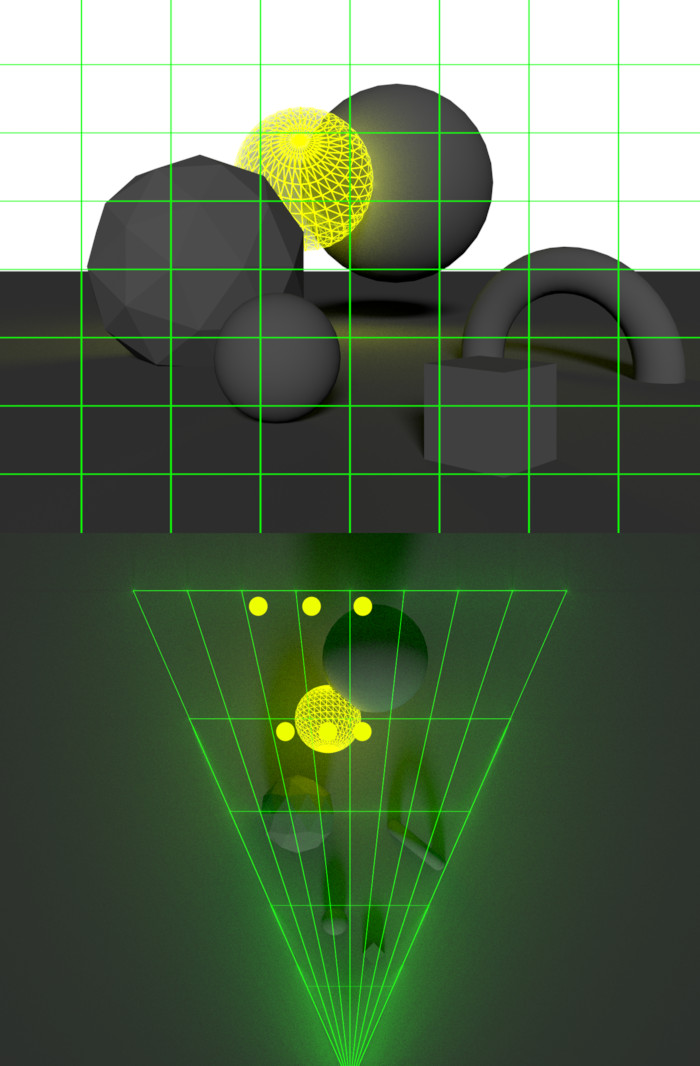
In image above you can see how the light volume (wireframed sphere in yellow) touches the cells of the grid marked by a yellow dot. Once this is done, as we render meshes we perform the reverse operation: for each fragment/pixel that the mesh renders onto, we retrieve the cell of the 3D grid it corresponds to and its affecting lights. We can then only iterate on this subset of light to shade the fragment, instead of the hundreds possibly in the scene. If my explanation is still unclear or you want to learn more, please visit this blog post explaining Forward+ in depth. It greatly helped me reach this first implementation:
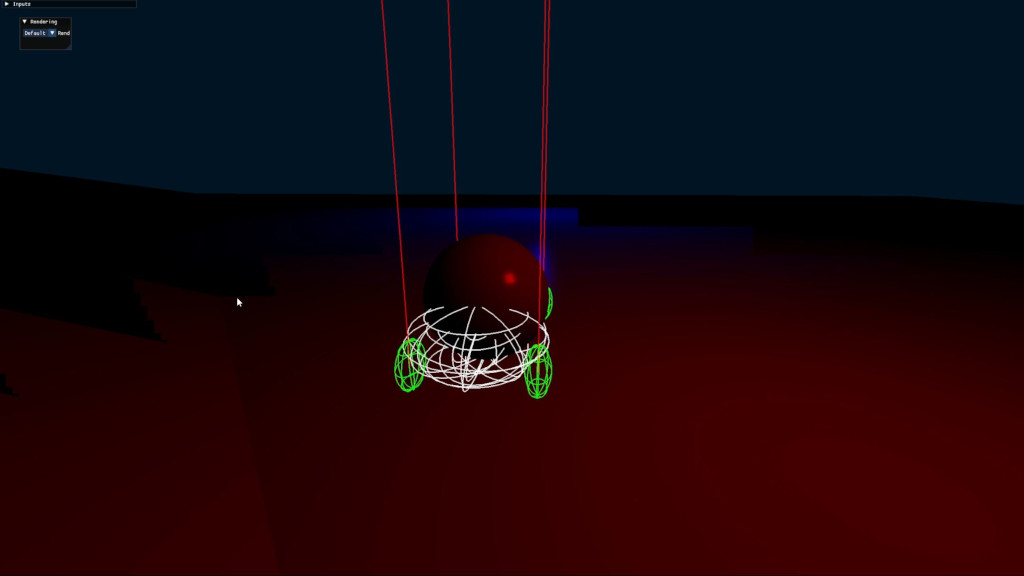
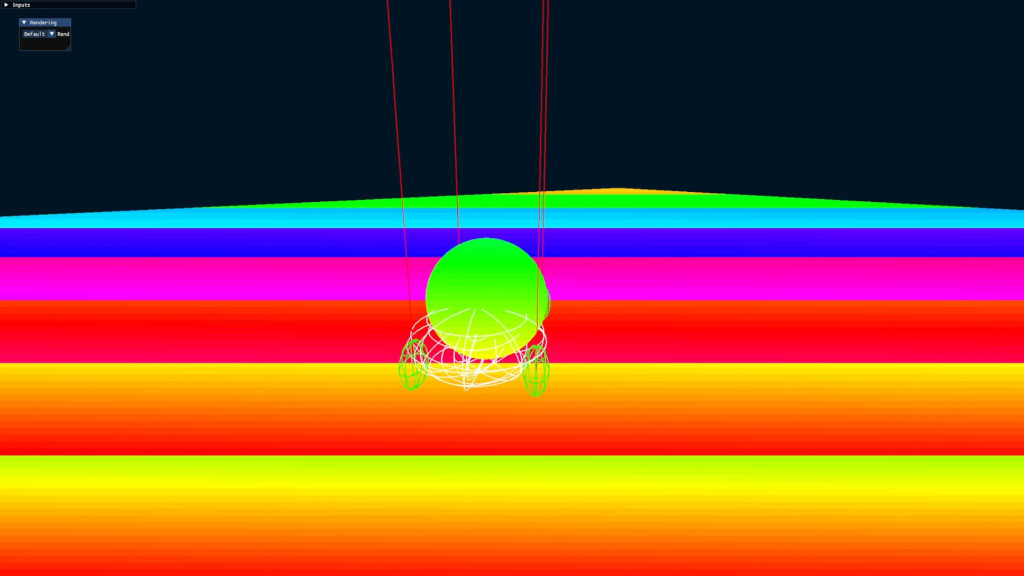
However, as you may be able to see, this result is not perfect at all. There are a lot of artifacts around light volume's edges and it took me a while to debug what part of the math was erroneous. This week I must have spent a dozen hours debugging those complex GPU issues that one can only debug through rendering some data on screen in the form of a color. Here is a fun one I tried (rendering as a color the cell index a fragment is from):
But after a while, I finally got it working. Let me tease you a bit more before showing final results: here is a debug display I implemented to visualize how many lights affect the cell of each rendered fragment (blue = 0, purple = 1, pink = 2).
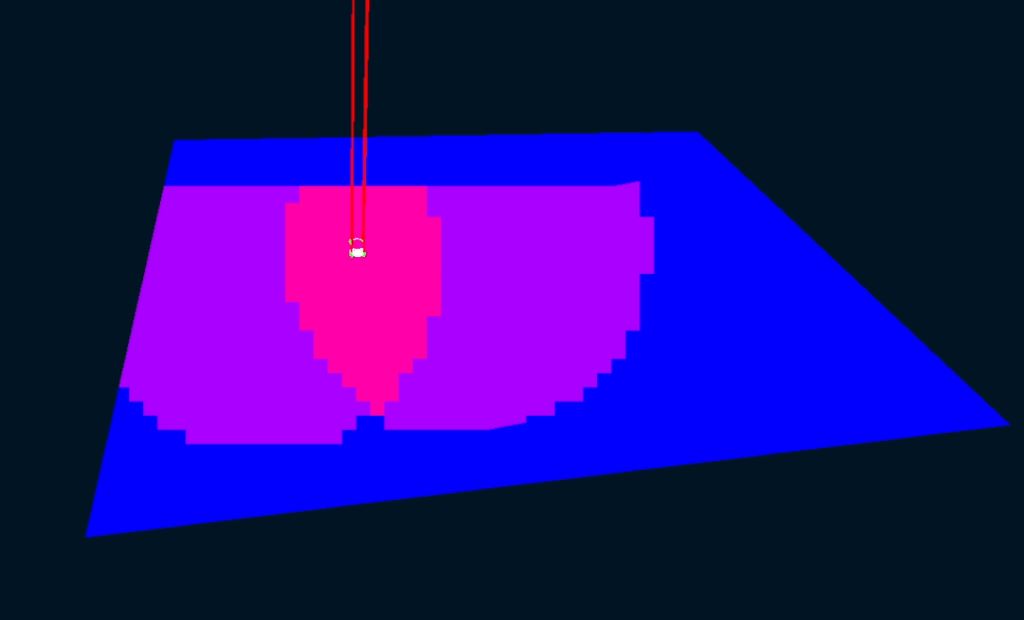
As I the camera back move back, it becomes clearer how each light affect its surrounding cells (light clusters). But enough with the debug view, confident that everything was working, I cranked the numbers up to create a real rainbow road:
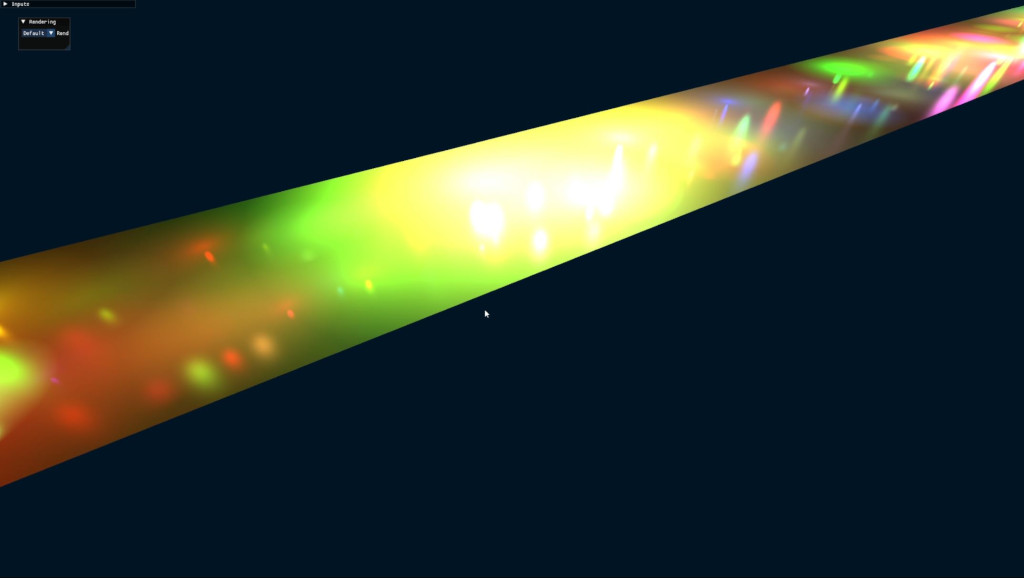
There are a few glitches far from the camera as I had set a strong limit to how many lights per cluster there could be, but obviously this number can be increased at the cost of some extra VRAM.
PBR
So far, my shading algorithm (by that I mean how I apply each light to each fragment) has been pretty simple: some diffuse color and a very-quickly-computed specular response. However it can look pretty rough; see by yourself in previous video how light reflections shrink weirdly as they get closer to the camera. So once again, I pulled Learn OpenGL's tutorial on PBR to implement something better. And since a good lighting can be difficult to assess on simple shapes, I also added support importing custom meshes within the game:
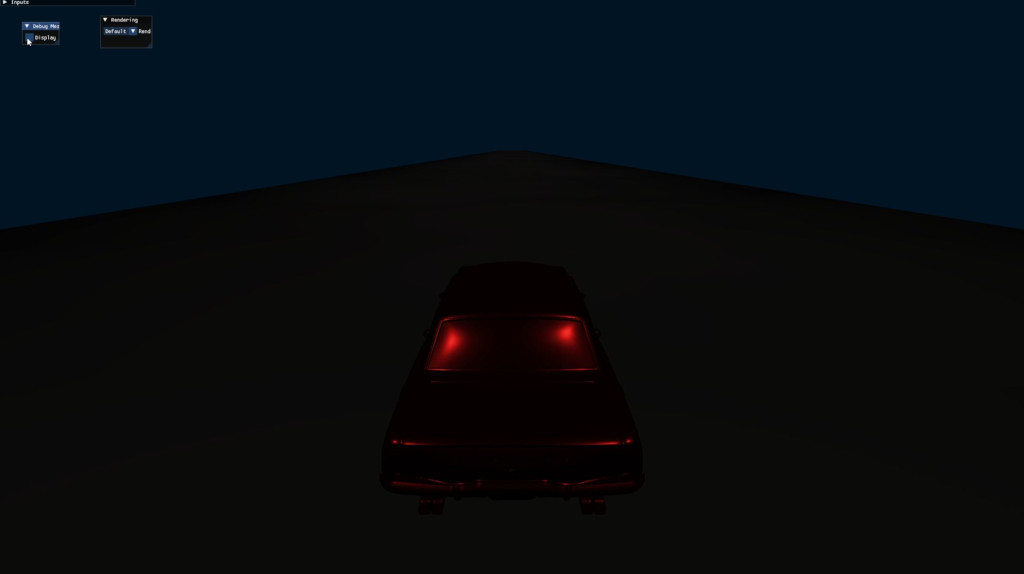
This concludes this week's final update. There should be more to say but it's getting late and not everything is working appropriately at the moment. Next week I will probably do some cleanup and more debugging views in preparation for next rendering improvements: transparency and reflections!